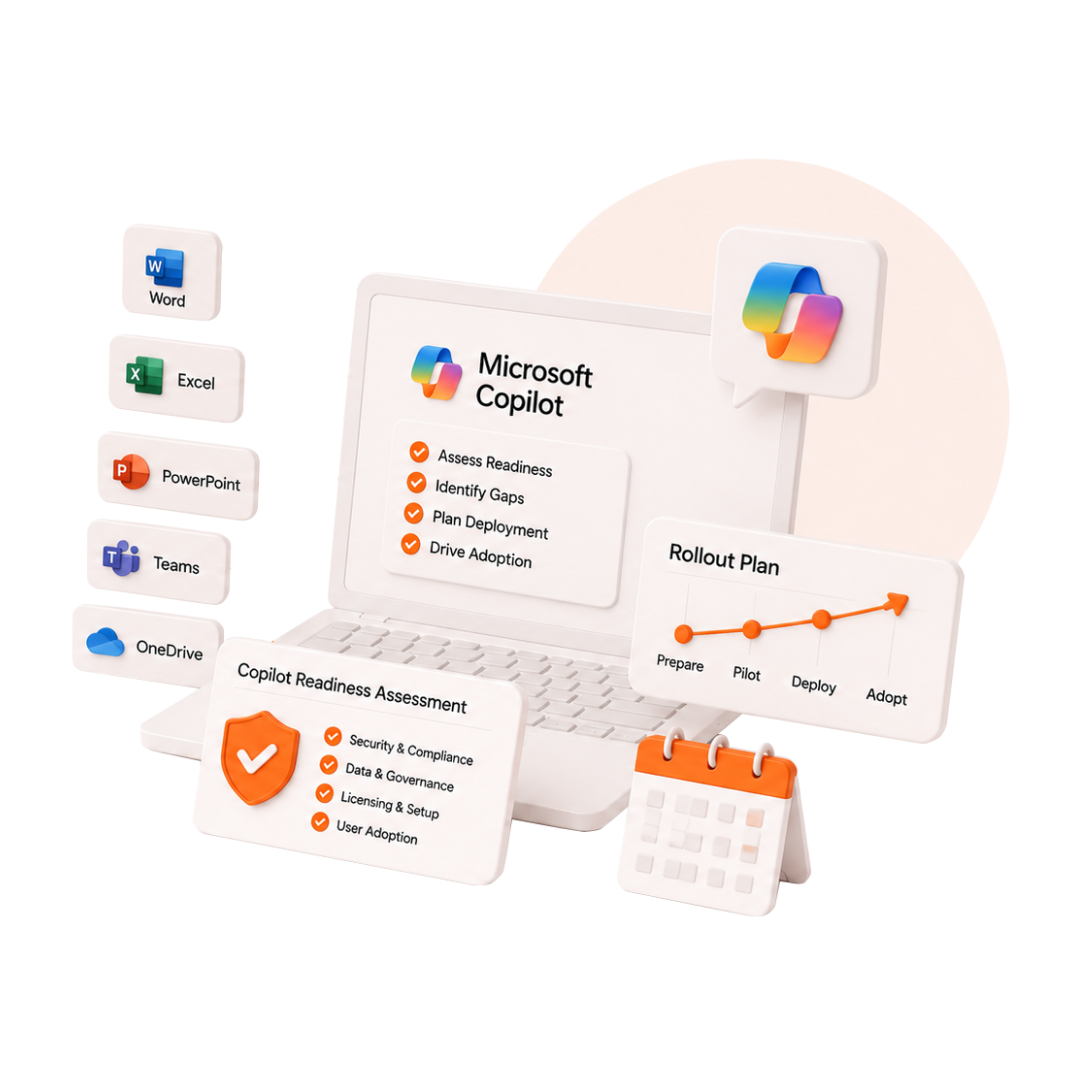
DotStark helps organizations deploy Microsoft Copilot across Microsoft 365, build custom Copilot Studio solutions, and integrate Azure OpenAI Services into enterprise workflows turning AI into measurable business productivity.
From Microsoft 365 Copilot and Copilot Studio to Azure OpenAI Services and Power Platform, DotStark helps organizations implement the right Microsoft AI solution for productivity, automation, and enterprise innovation.
AI embedded into Word, Excel, PowerPoint, Teams, Outlook, and SharePoint — helping every employee work faster, write better, and focus on what matters.
Build bespoke AI copilots and agents trained on your data, your processes, and your brand — deployed into Teams, your website, or any channel your customers and staff use.
Deploy GPT-4o and other foundation models on your own Azure infrastructure — private, compliant, and integrated with your existing data and systems via DotStark's API layer.
Copilot embedded in Power Apps, Power Automate, and Power BI — build apps, automate flows, and generate reports using natural language, with no coding required.
From Microsoft 365 Copilot deployment and Copilot Studio development to Azure OpenAI integration and user adoption, DotStark helps organizations turn Microsoft AI investments into measurable business outcomes.
Deploy Microsoft 365 Copilot across Word, Excel, Outlook, Teams, and SharePoint with the right governance, security controls, rollout strategy, and user enablement plan for enterprise adoption.
Design, build, and deploy custom Copilot Studio agents trained on SharePoint, CRM, and internal knowledge sources. Deliver AI assistants across Teams, websites, customer portals, and business applications.
Integrate Azure OpenAI Services with CRM, ERP, CMS, data warehouses, and business applications. Build secure enterprise AI experiences powered by your existing data and workflows.
Ensure teams adopt Microsoft Copilot confidently through structured training, governance frameworks, prompt engineering workshops, and change management programs.
Review data access, permissions, sensitivity labels, compliance requirements, and governance policies to ensure Microsoft Copilot is deployed securely across your organization.
Track adoption, productivity improvements, and business outcomes with usage analytics and executive reporting that demonstrate the measurable value of Microsoft Copilot.
Most organisations need 4–8 weeks of preparation before Copilot can be safely deployed. Here is what matters.
Copilot accesses everything your users can access in Microsoft 365. Before deployment, sensitive data must be classified, labelled, and access controls validated.
Microsoft 365 Copilot requires E3 or E5 licensing and correct service principals. Licence allocation, role scoping, and access tiers must be planned before rollout.
AI governance policies, acceptable use guidelines, and audit logging must be in place before Copilot reaches your workforce.
Technology without adoption is wasted. Change management, training, and prompt engineering education ensure Copilot delivers real productivity gains — not confusion.
Audit M365 tenant, data classification, licences, and security posture.
Readiness ReportFix data governance gaps, apply sensitivity labels, configure admin settings
Deployment-ready TenantPilot group deployment, feedback collection, custom agent builds, training sessions.
Live Copilot DeploymentUsage analytics, ROI reporting, adoption coaching, and governance review.
ROI ReportEverything you need to know about Microsoft Copilot, Microsoft 365 Copilot, Copilot Studio, and enterprise AI implementation.
Book a free Copilot Readiness Assessment. DotStark will audit your Microsoft 365 environment, identify what needs to be done before deployment, and give you a clear rollout plan — before any commitment.
Talk to an AI Expert